FOUNDER & CEO
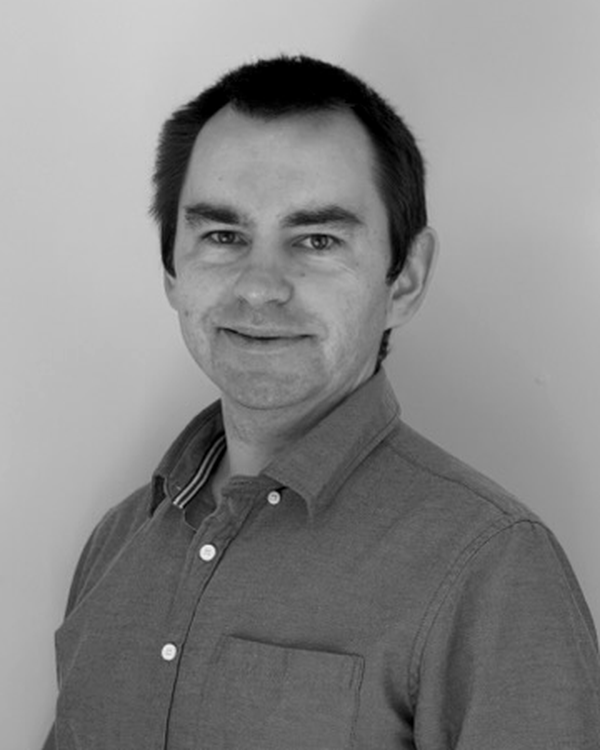
Andriy Drozdyuk
Andriy leads Nobler Forge and its engineering work. His background spans warehouse robotics at Amazon Robotics, autonomous navigation at DEKA, and robotics simulation at NRC Canada.
Email Andriy ↗︎Clarity in the controls.
Your equipment has a job to do.
We help you control it, connect it,
and see what’s happening.
Control panels · PLCs · Ignition
A clear path from equipment to operator.
WHERE SOFTWARE MEETS EQUIPMENT
Connect inputs, PLC logic, and operator feedback. Start with what the equipment must do and what the operator needs to know.
We scope the panel, software, and integration together, with the right expertise for the job.
Discuss your controls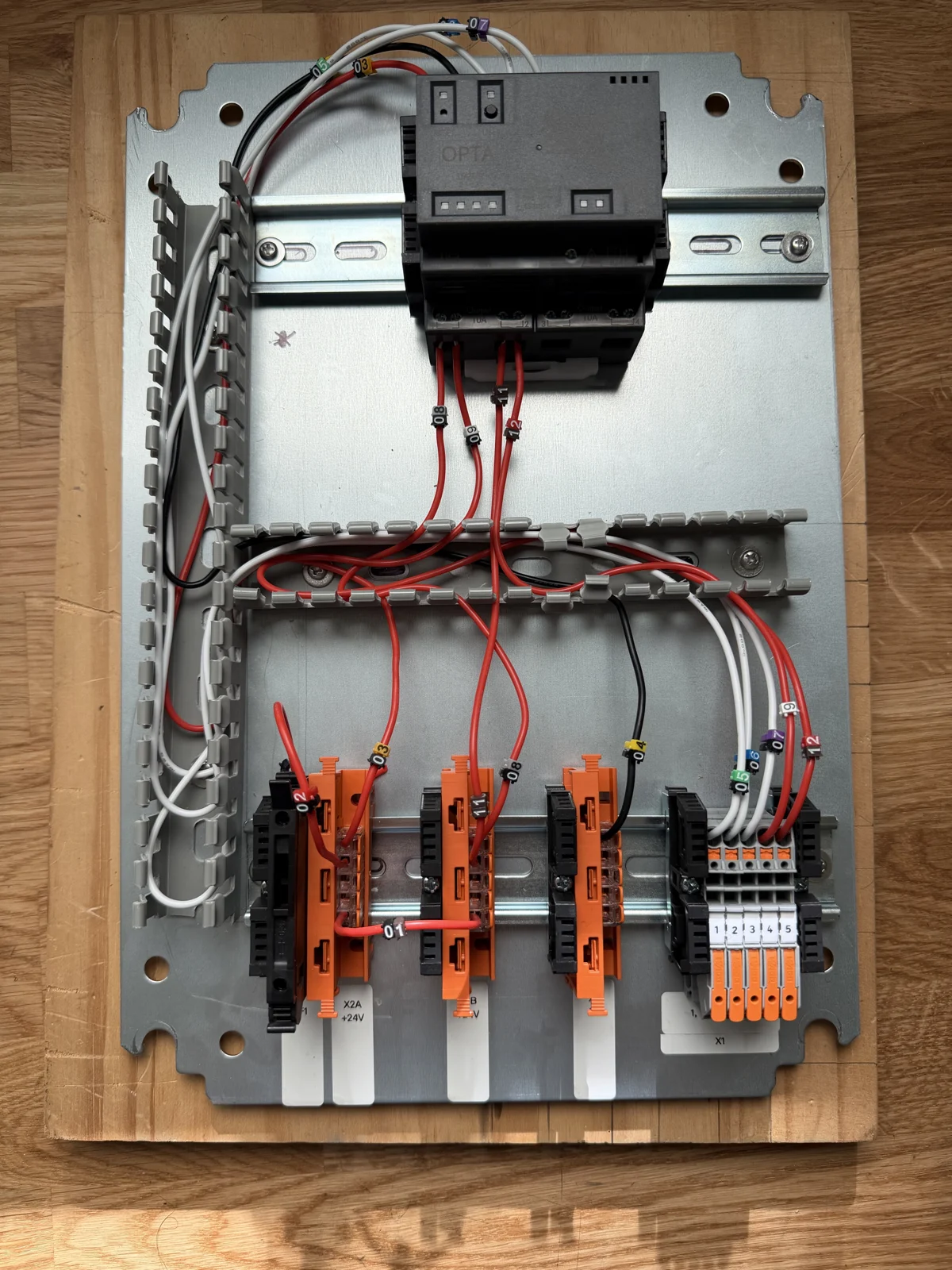
Checks house status, requests door locks, and acknowledges trash reminders.
A CLEAR VIEW OF THE PROCESS
Bring equipment status, alarms, and history into one place with Ignition Perspective. Keep units clear and missing signals visible.
Clear states. Predictable controls. Built around the operator’s work.
Explore an interface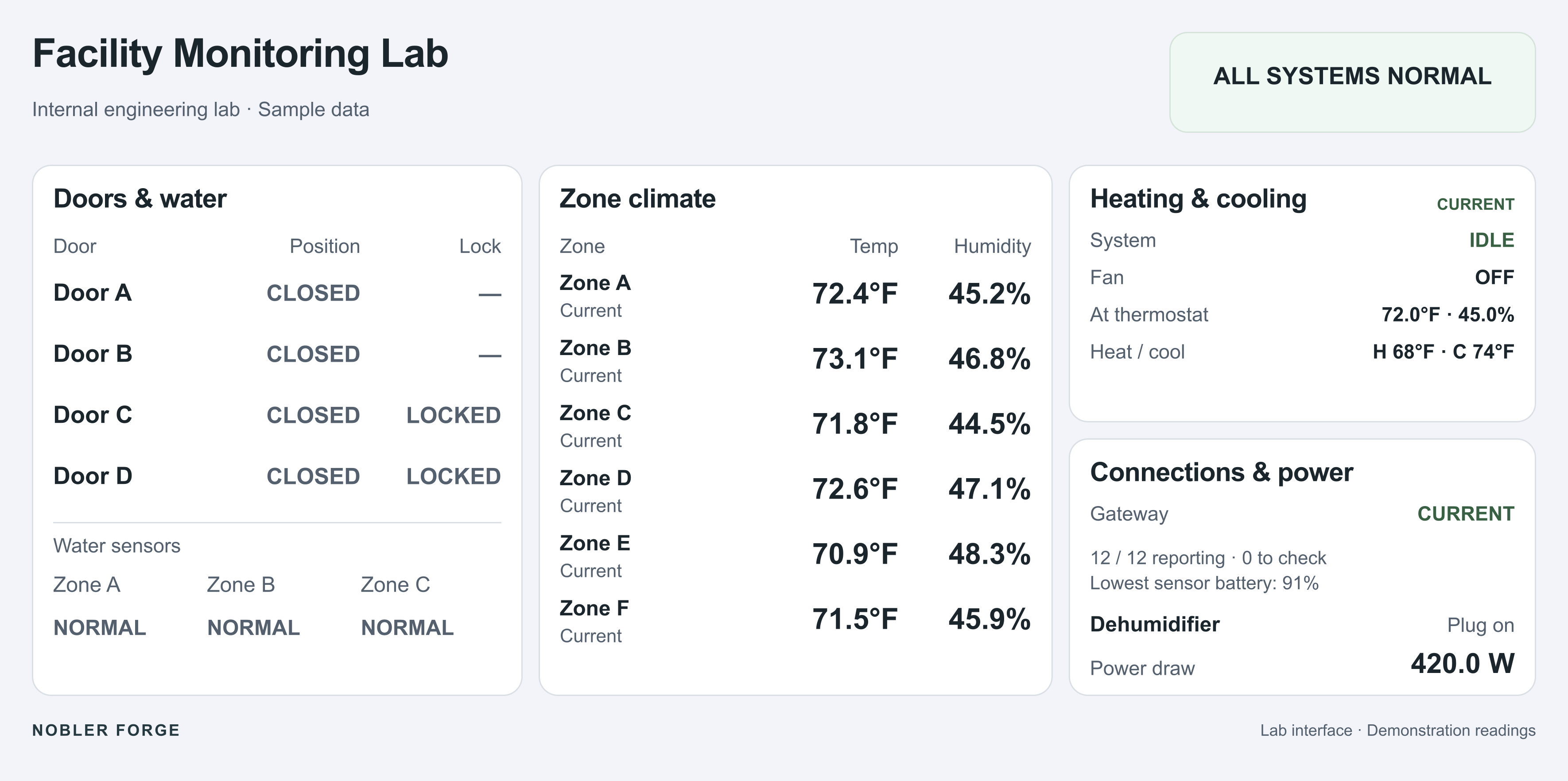
From our residential test system · Sample readings
FOLLOW THE SIGNAL
Connect equipment feeds, MQTT, APIs, and stored records. Turn readings into useful trends and reports.
Document the sources and calculations. Keep gaps in the data visible.
Discuss a connectionTHE DATA PATH
 FROM OUR WORKBENCH / 01
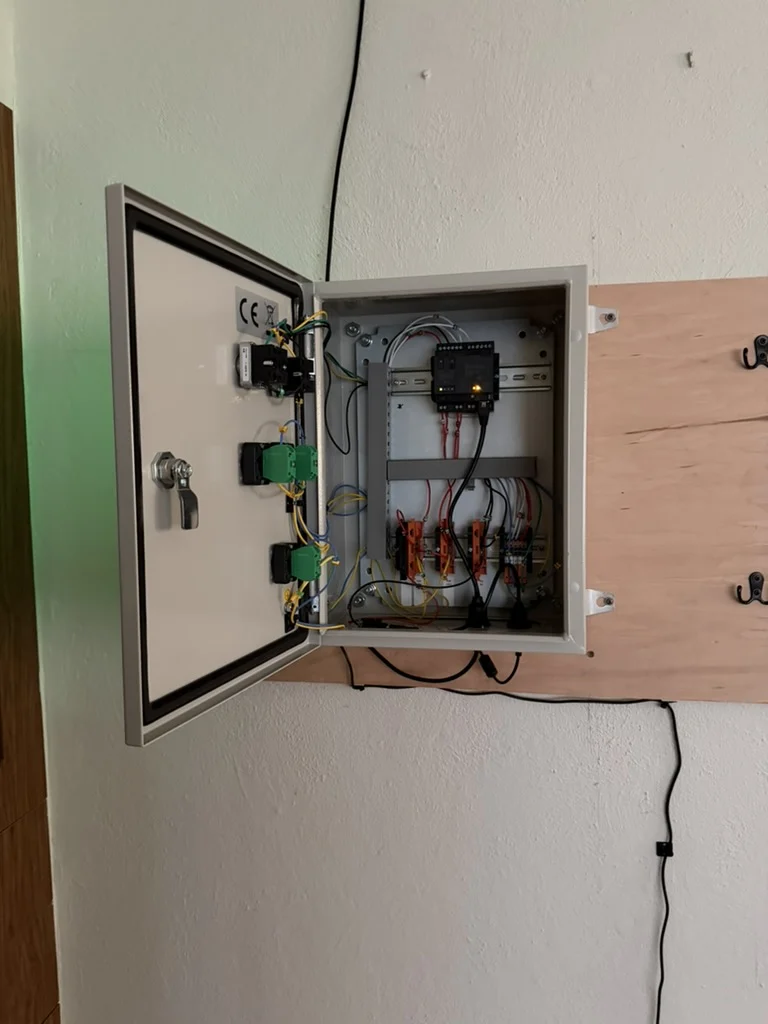
A real home build. A PLC, three buttons, two lights, and an Ignition connection. From arranging the parts to making sure a brief button press reaches the software.
Personal prototype · Arduino Opta · OPC UA · Ignition
Inside the control panelCompare a healthy connection with a missing signal.
All twelve inputs are reporting. The screen shows their readings and connection status.
Recreated from our residential test system, with sample readings and neutral labels.
All twelve inputs are reporting. Each reading has a value and a unit.
Speak with the people doing the work. Based in Northern New Jersey.
FOUNDER & CEO
Andriy leads Nobler Forge and its engineering work. His background spans warehouse robotics at Amazon Robotics, autonomous navigation at DEKA, and robotics simulation at NRC Canada.
Email Andriy ↗︎
DIRECTOR OF PROJECTS
Peter handles project planning, coordination, and customer communication. He delivered AI systems used in Canada’s federal government, then founded and sold HOTCRUNCH.
Email Peter ↗︎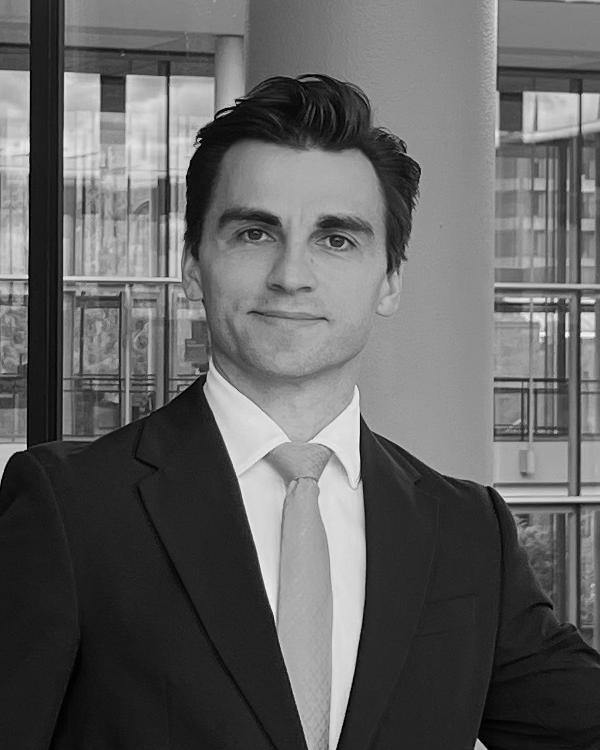
DIRECTOR OF BUSINESS DEVELOPMENT
Denys handles new inquiries, quotes, and partnerships. He co-founded the international ballroom dance duet DNA and is pursuing an MBA at Yale School of Management.
Email Denys ↗︎Tell us what it does. Show us what you need.
We’ll work out the next step together.